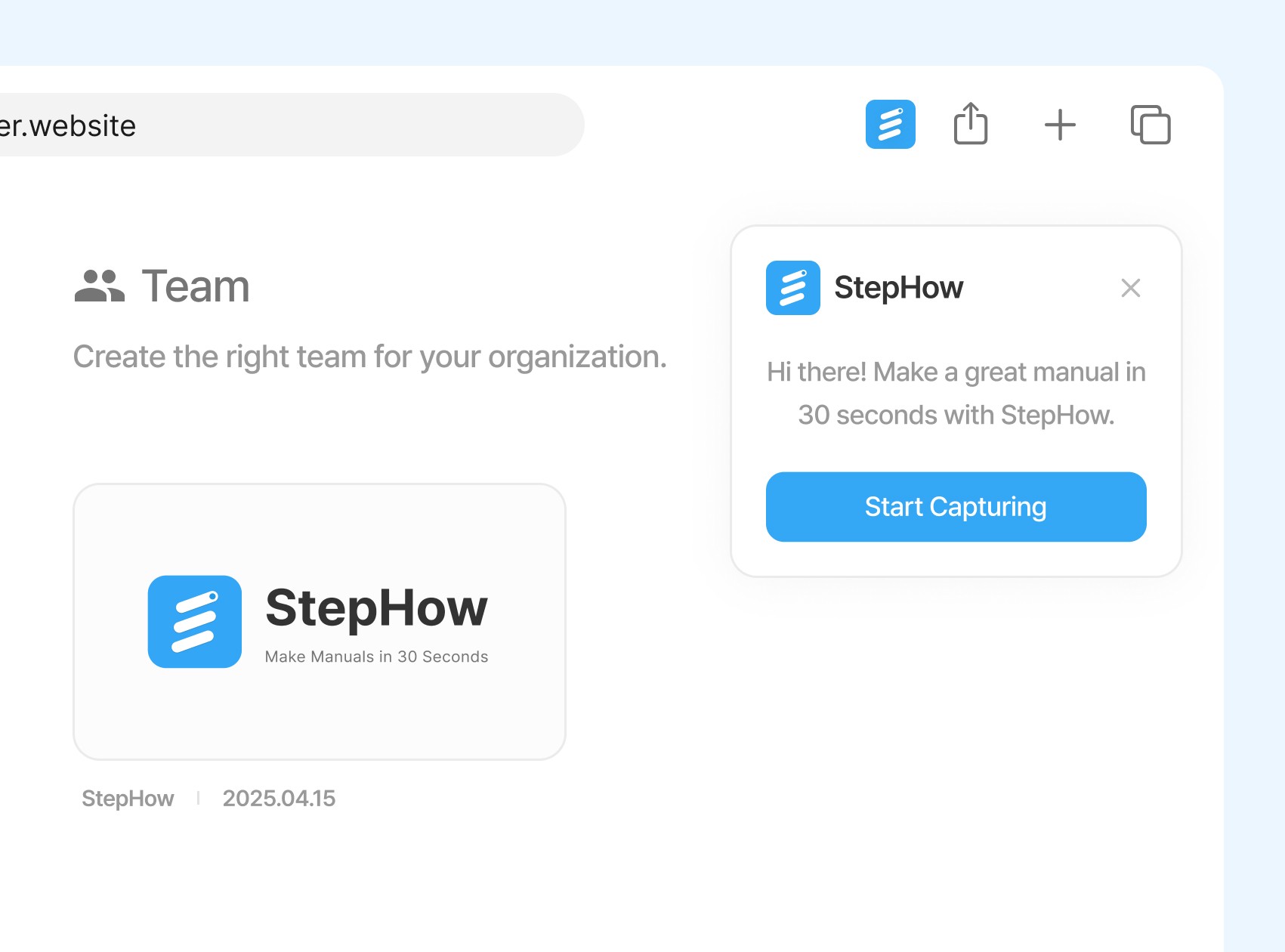
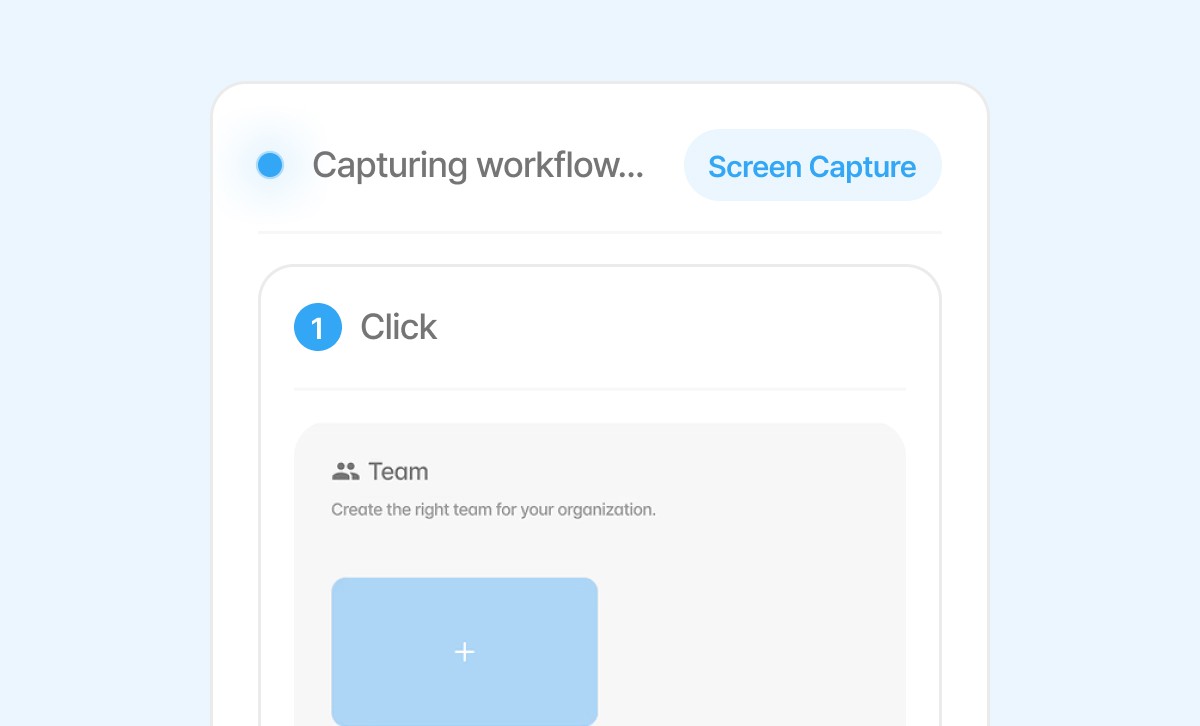
Auto Screen Capture
Automatically captures the screen when you click
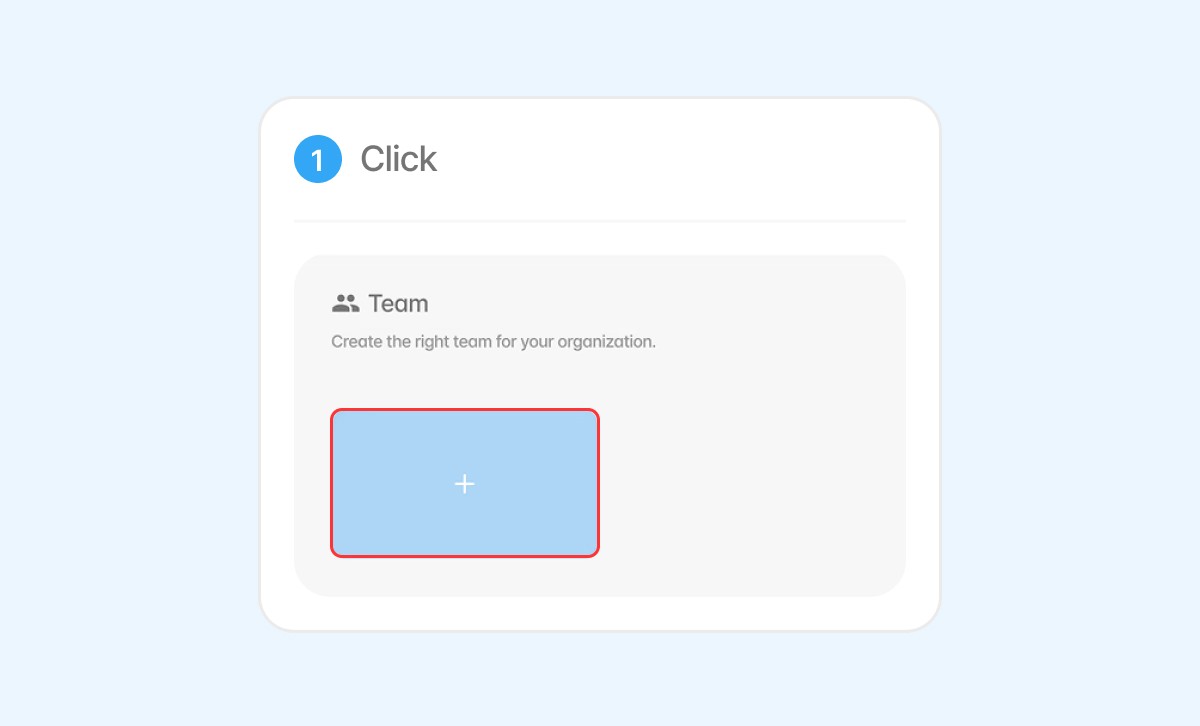
Highlight & Numbering
Automatically highlights clicked areas and adds step numbers
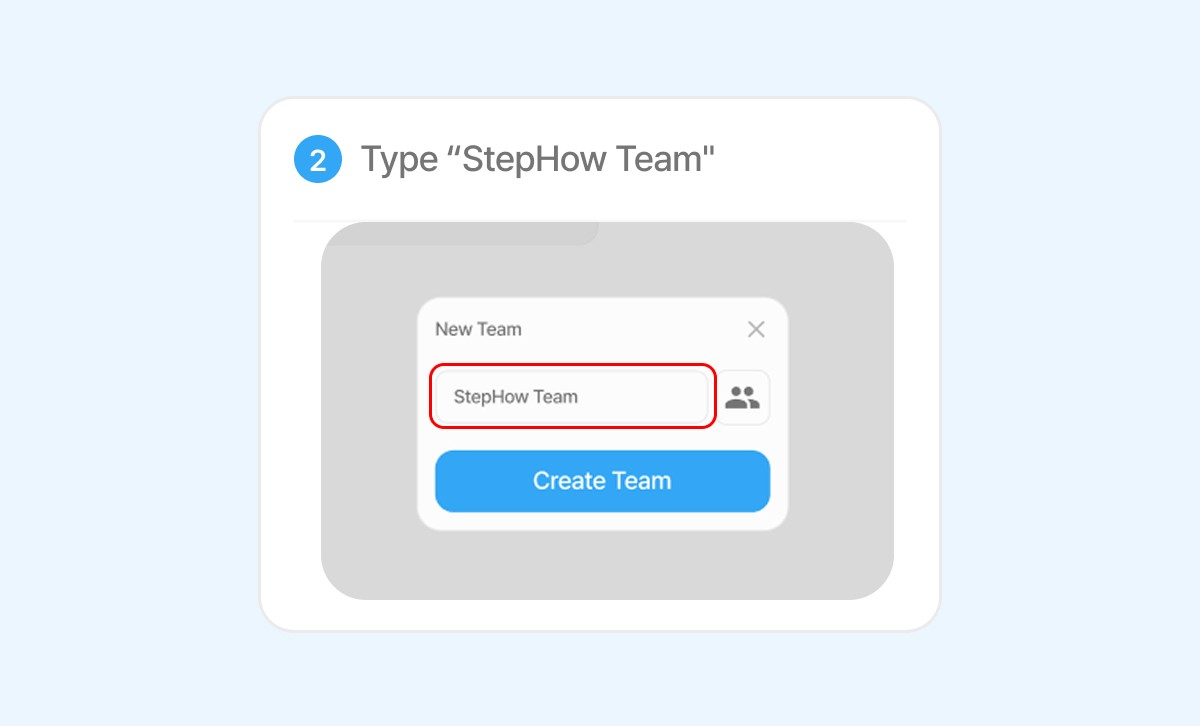
Typing Detection
Detects typed text and generates step descriptions
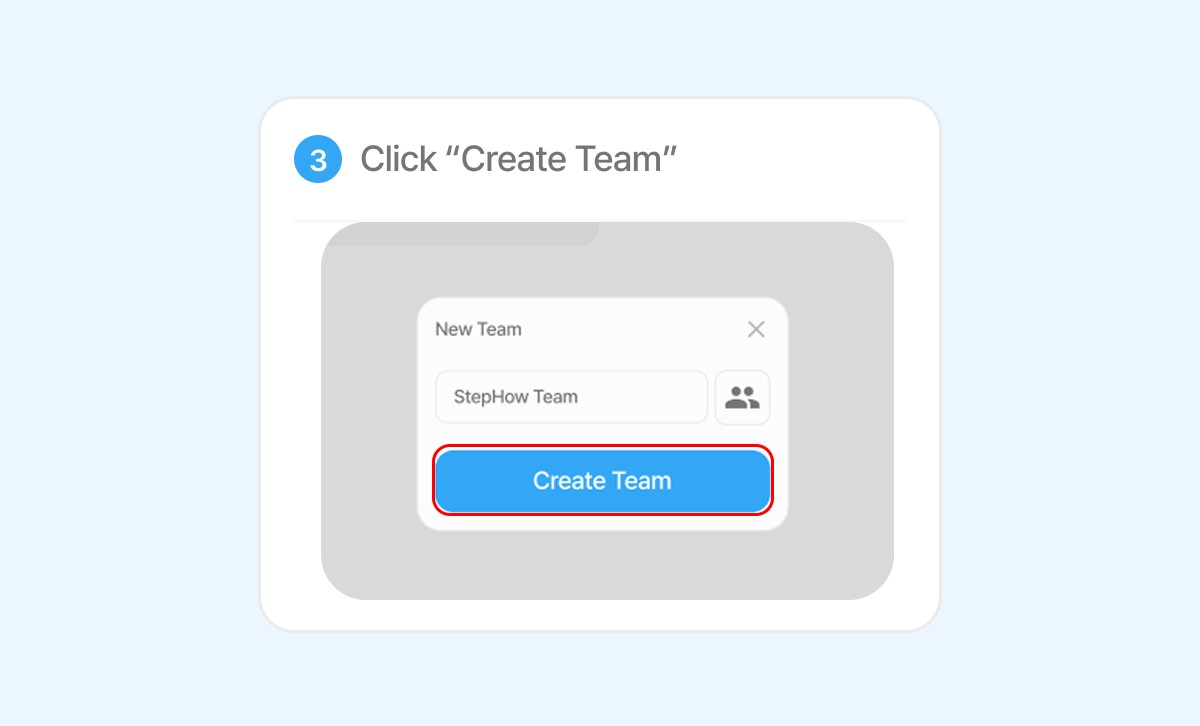
Clicked Text Recognition
Captures the text you clicked and uses it in the guide
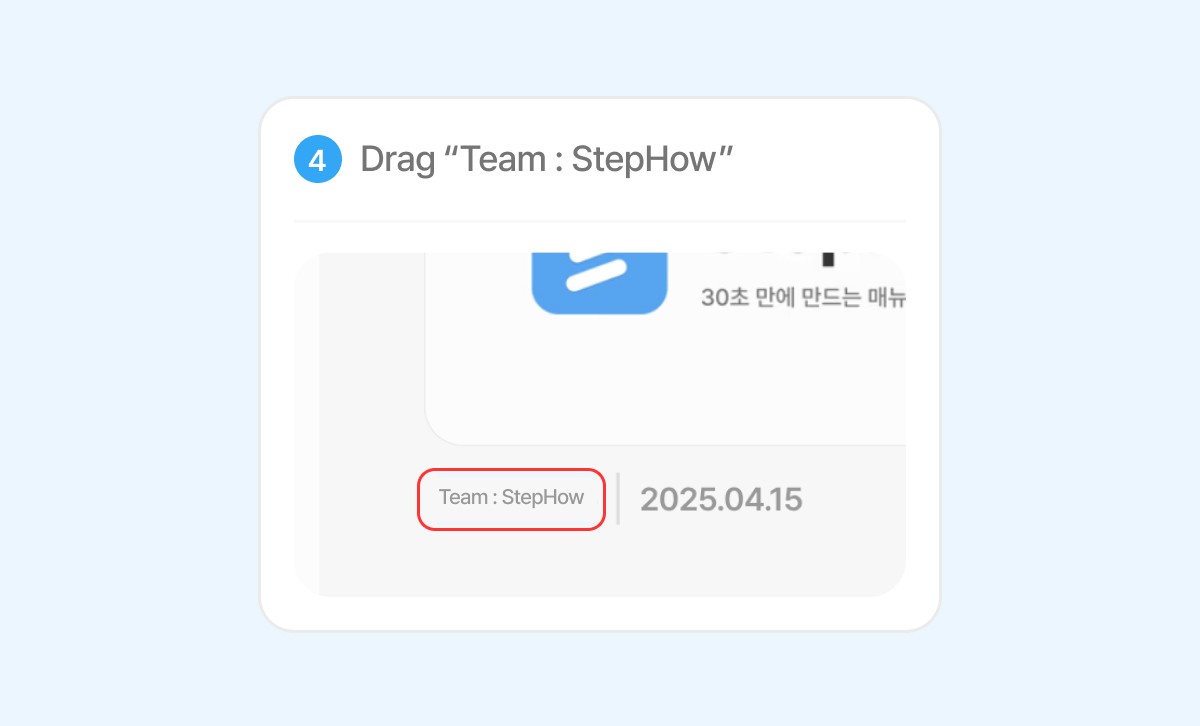
Drag Detection
Detects drag actions like moving files or elements and adds them as steps
Step Deletion & Pause
Remove misclicked steps or pause capturing temporarily when needed
Pro Plan

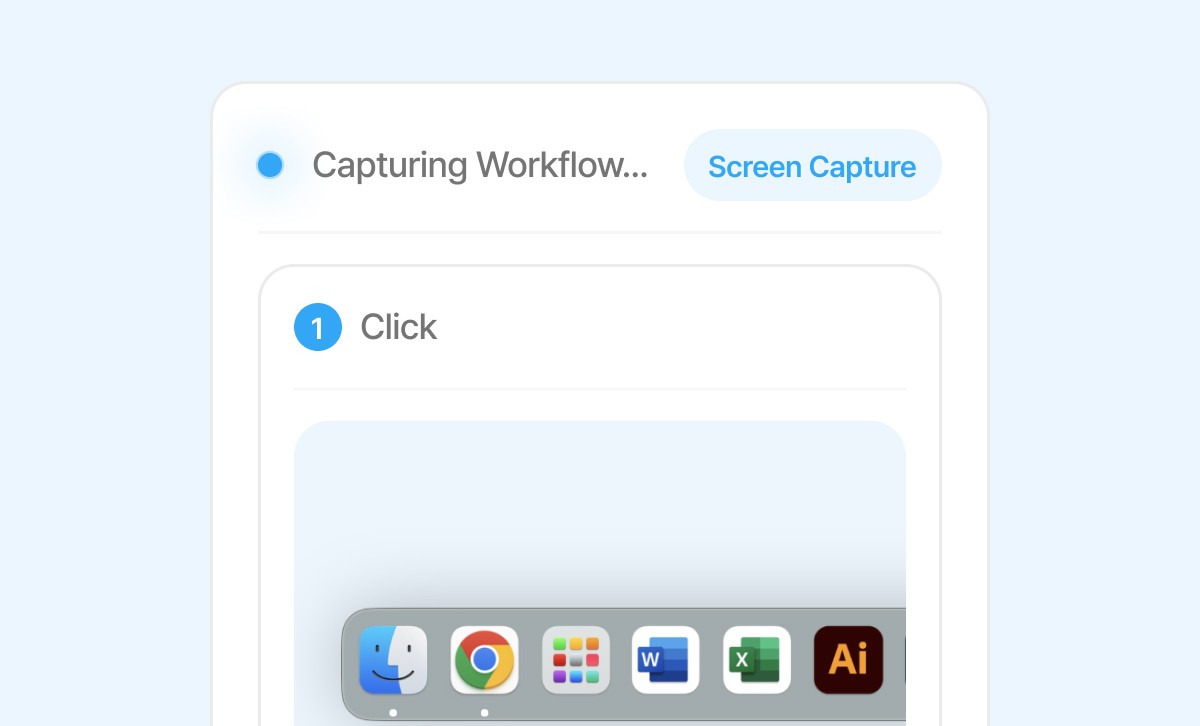
Auto Screen Capture
Captures the screen whenever you click

Auto Highlight & Step Numbering
Highlights clicked areas and displays step numbers automatically

Capture Cancel & Pause
Delete misclicked steps or temporarily pause capturing when needed

Free Plan

Smart Editing Tools
Add shapes, highlights, step numbers, and text boxes to manual images

Mosaic Blur for Sensitive Info
Blur out personal or confidential information in the image (Mosaic is permanently applied)

Image Resize & Crop
Zoom in/out or crop specific areas of the image as needed
Free Plan
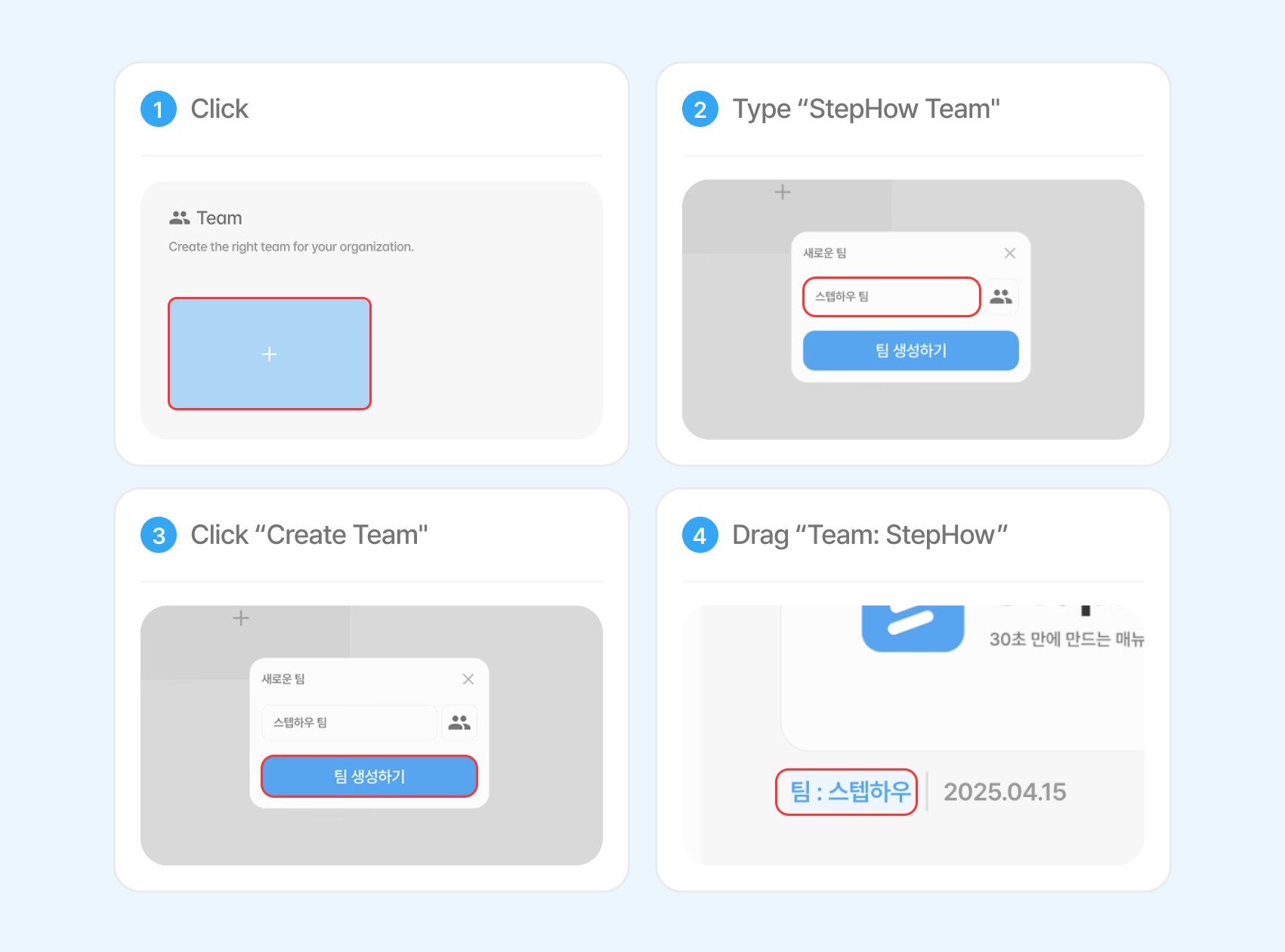
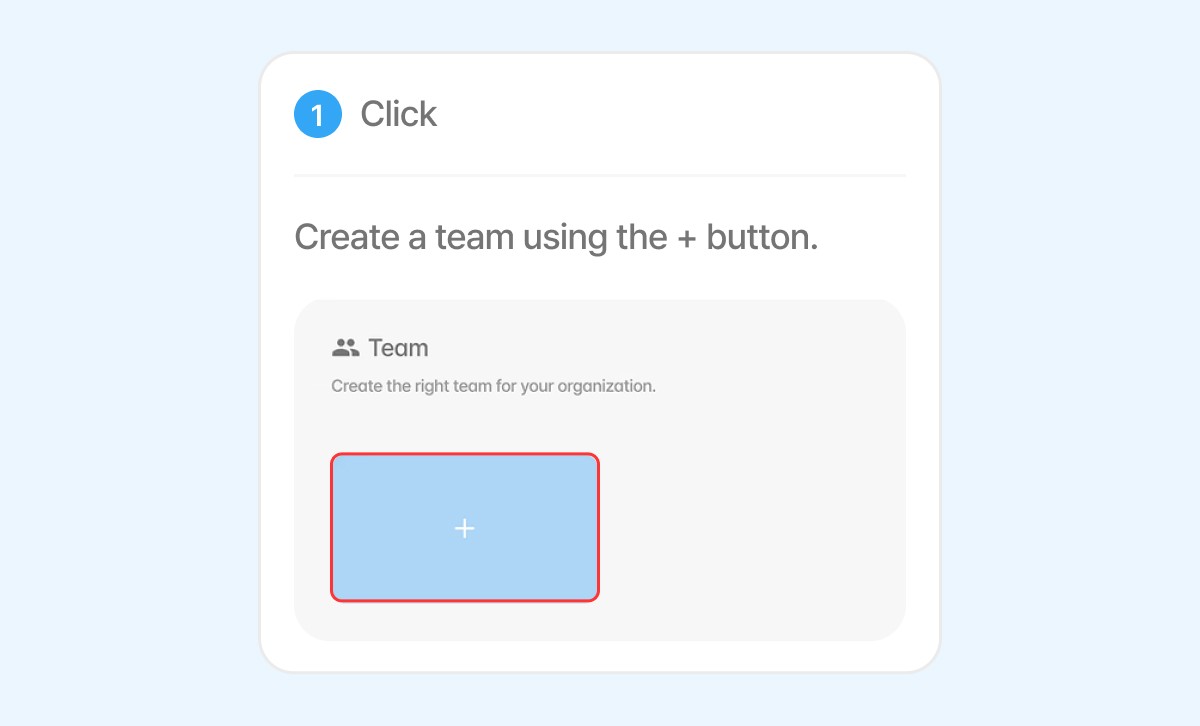
Add Step Descriptions
Add a summary or detailed explanation to each step (AI-generated summaries coming soon)

Add/Delete/Edit Steps
Insert new steps or remove/edit existing ones at any point in the manual
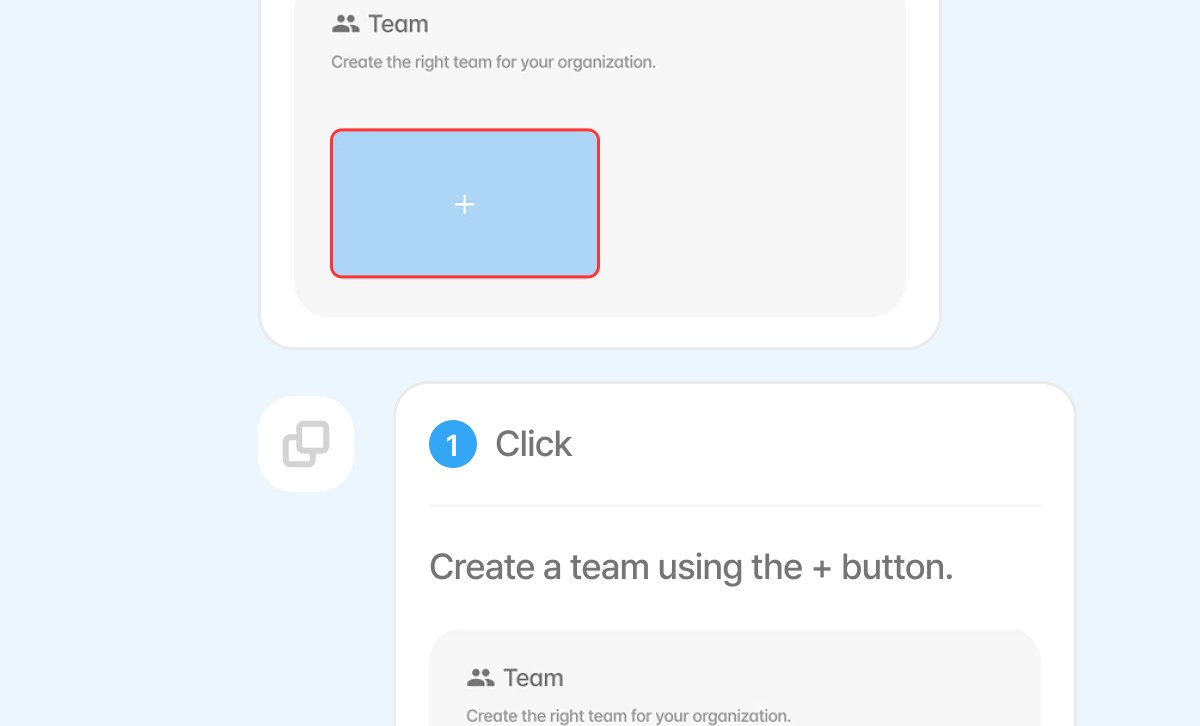
Copy & Paste Steps
Copy steps and paste them into other manuals
Create Blank Manual
Start a manual from scratch and bulk upload your own images to make it a mannual
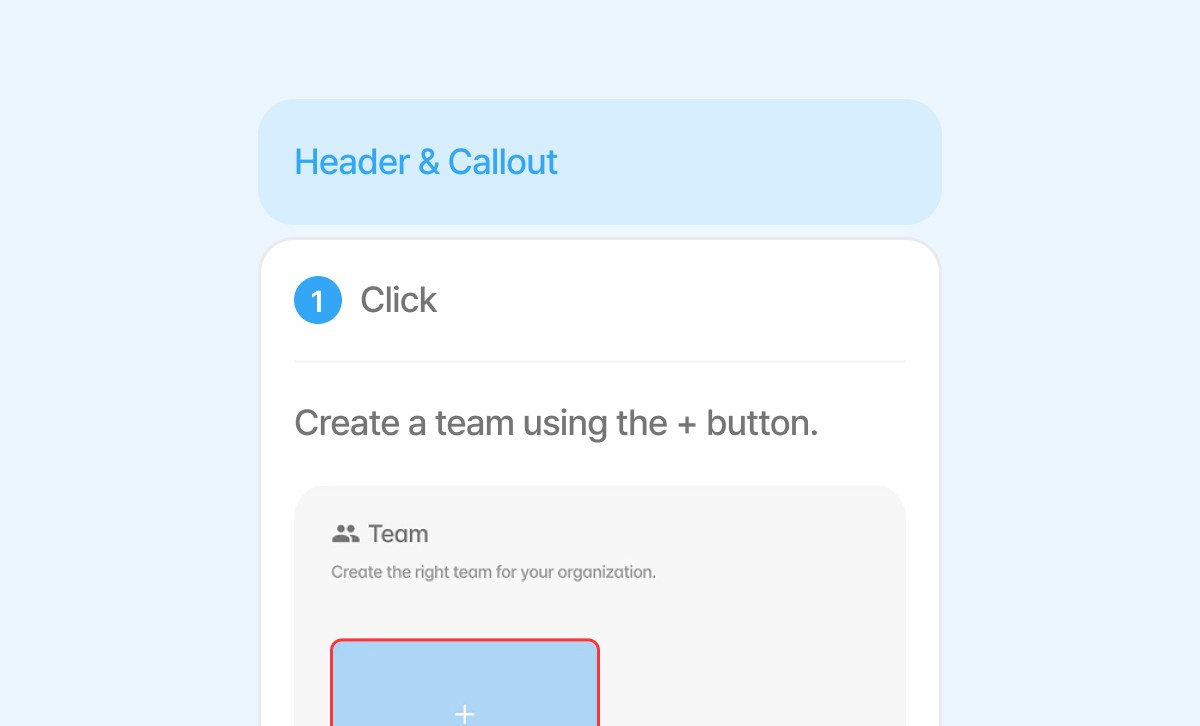
Headers & Callout
Separate sections with headers and callout to improve readability and structure
Free Plan
Pro Plan
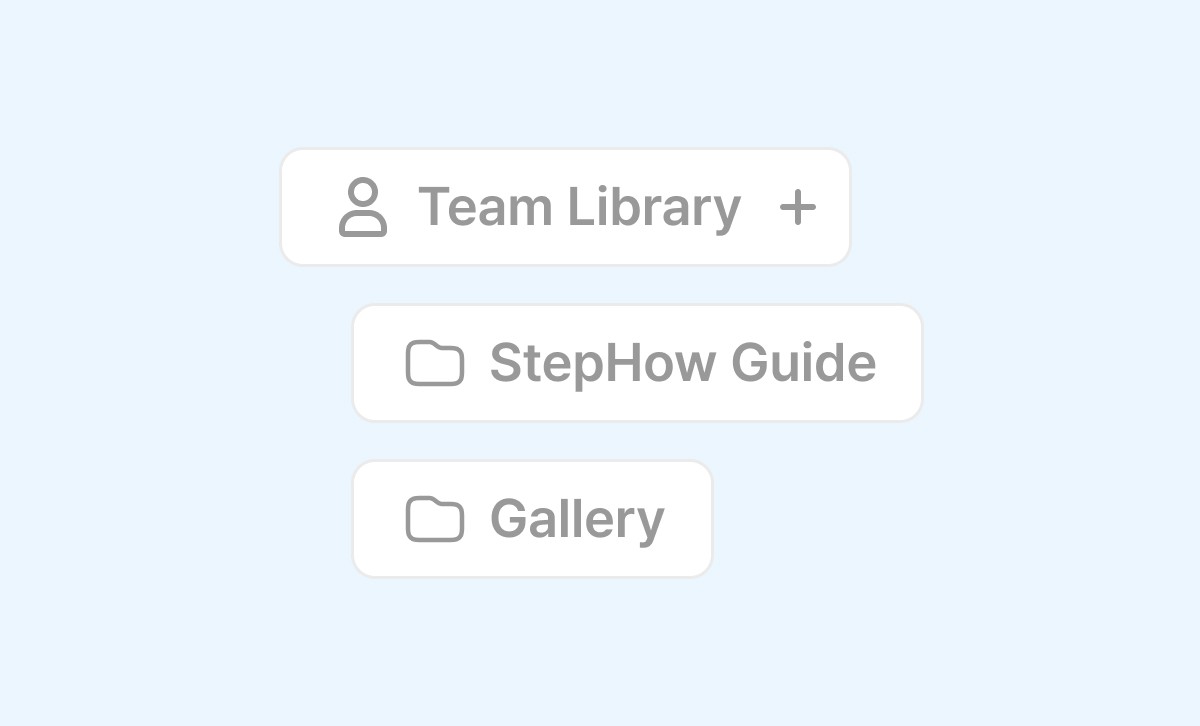
Share to Team Library
Move this manual into your team’s shared library so others can view and use it

Create Shareable Link
Generate a public URL to share the manual anywhere, always up-to-date
Pro Plan
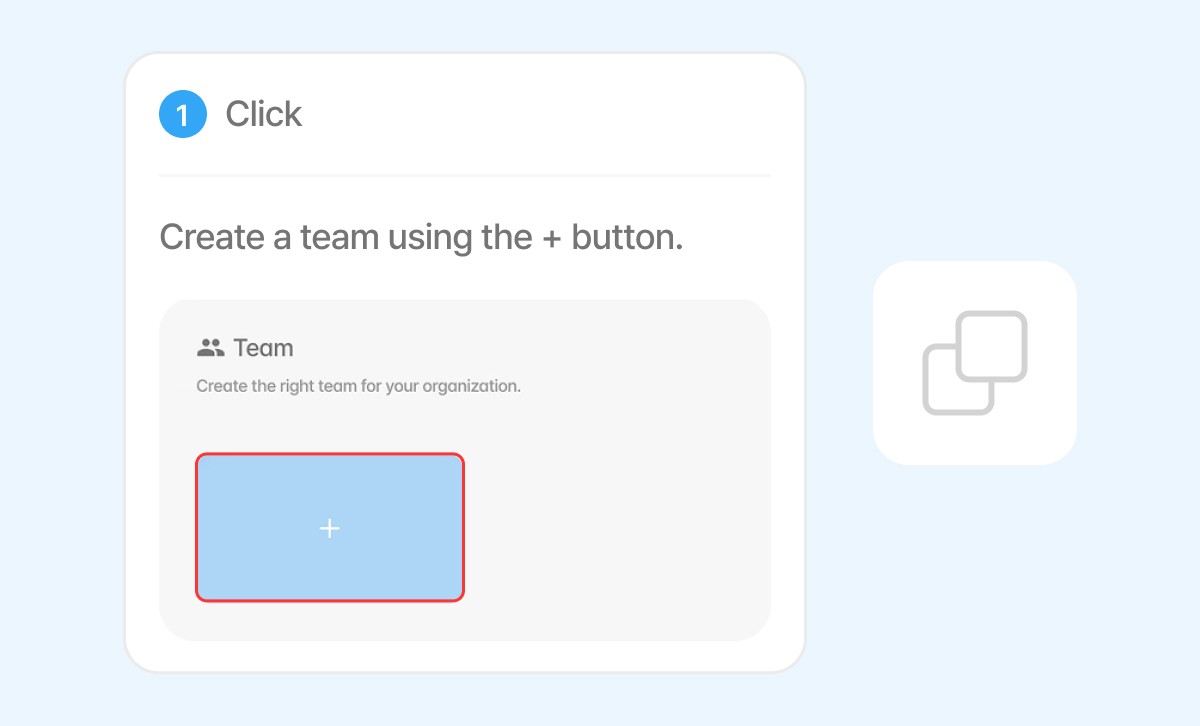
Copy whole Manual
Copy the entire manual content to paste into tools like Notion, Word
Pro Plan
Export as PDF
Download the manual as a PDF file for sharing or printing
Pro Plan
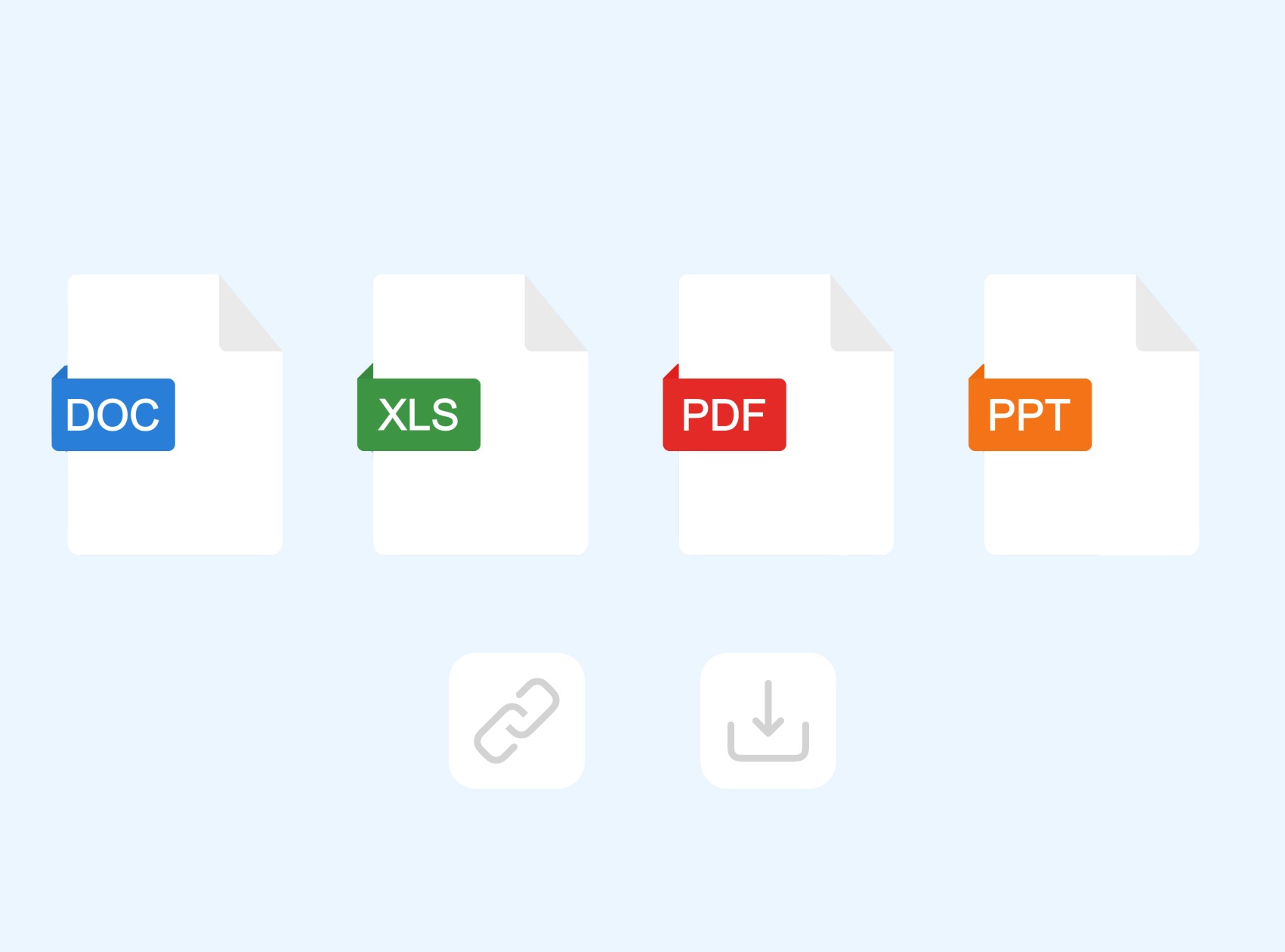
Export to MS Office
Convert the manual to Word, Excel, or PowerPoint format for editing

Embed Live Manual
Embed the manual into websites or platforms with real-time updates
Free Plan
Create Folder Structure
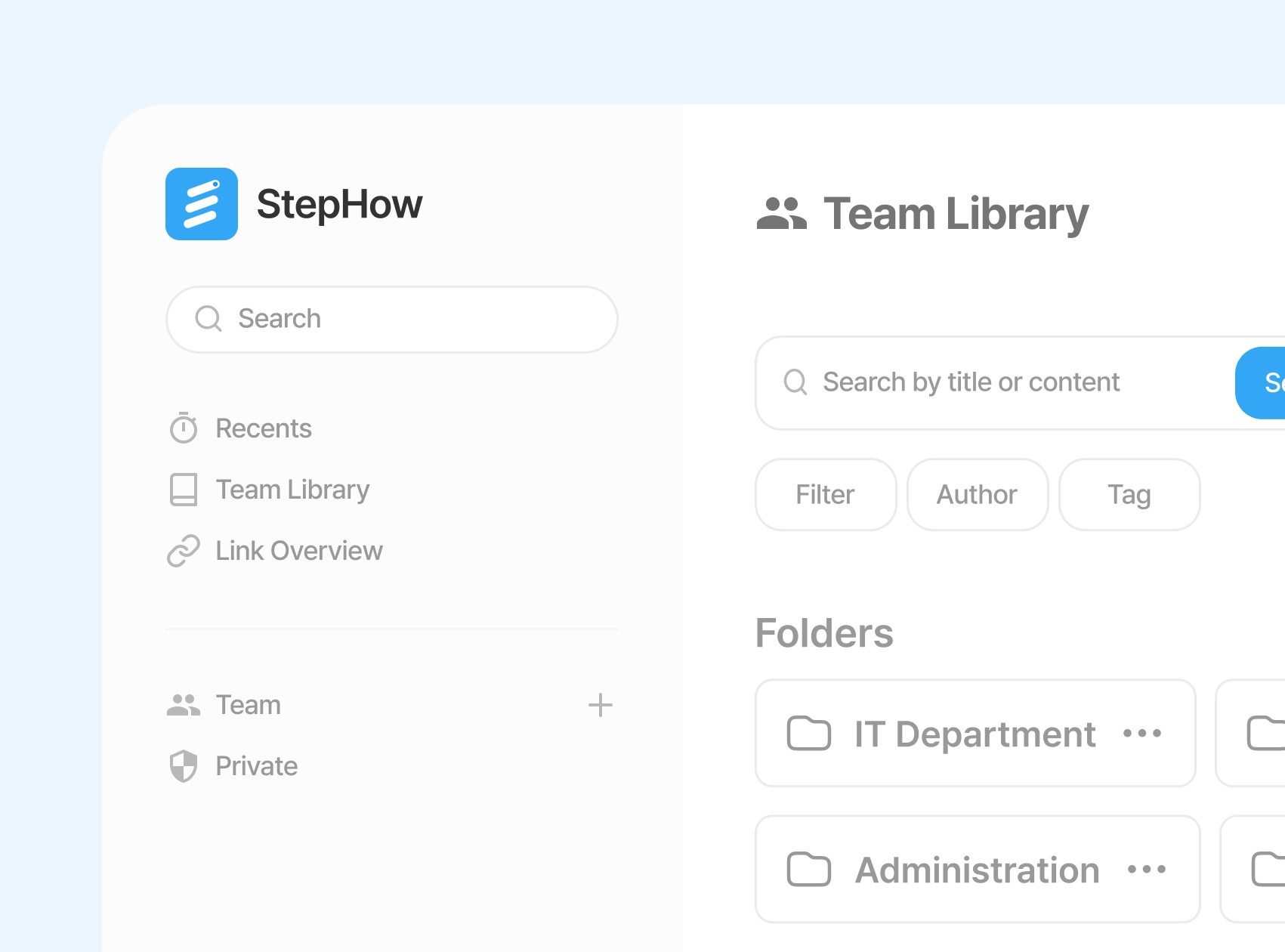
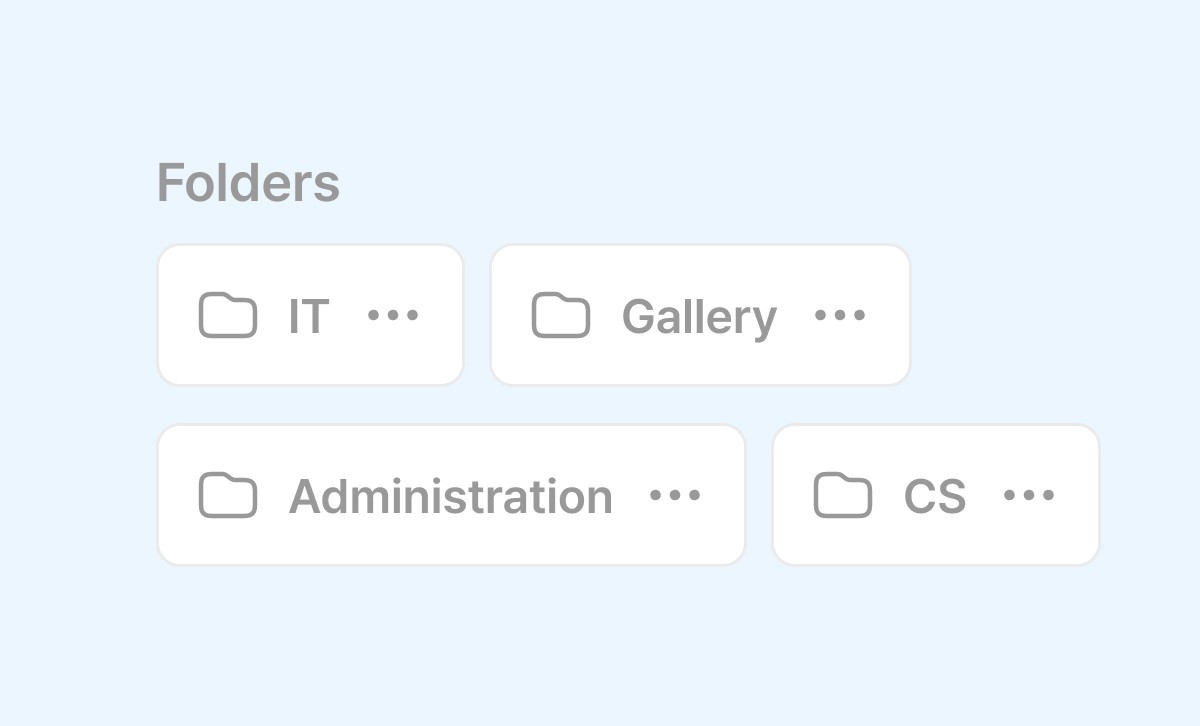
Organize manuals by team or job function with customizable folder structures (Folder-level permissions supported)

Folder Publishing
Make all manuals in a folder publicly accessible by publishing the folder (Suitable for help center)
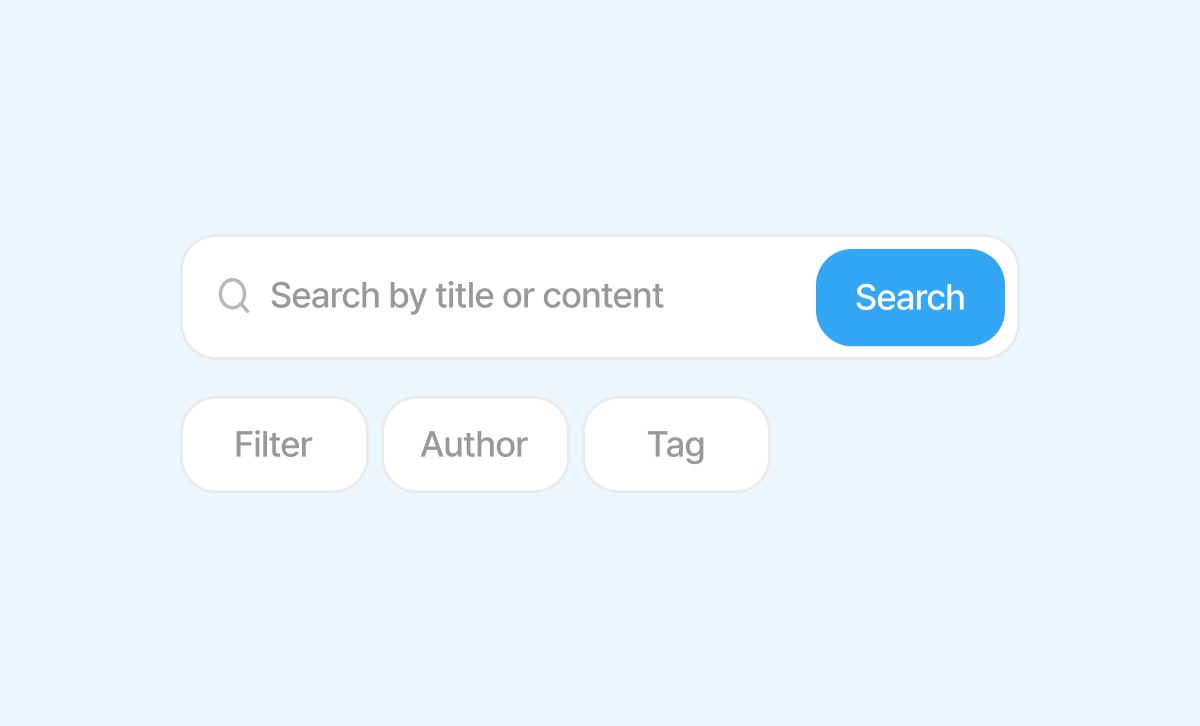
Search & Organize Documents
Search and filter documents by title, content, tags, or author
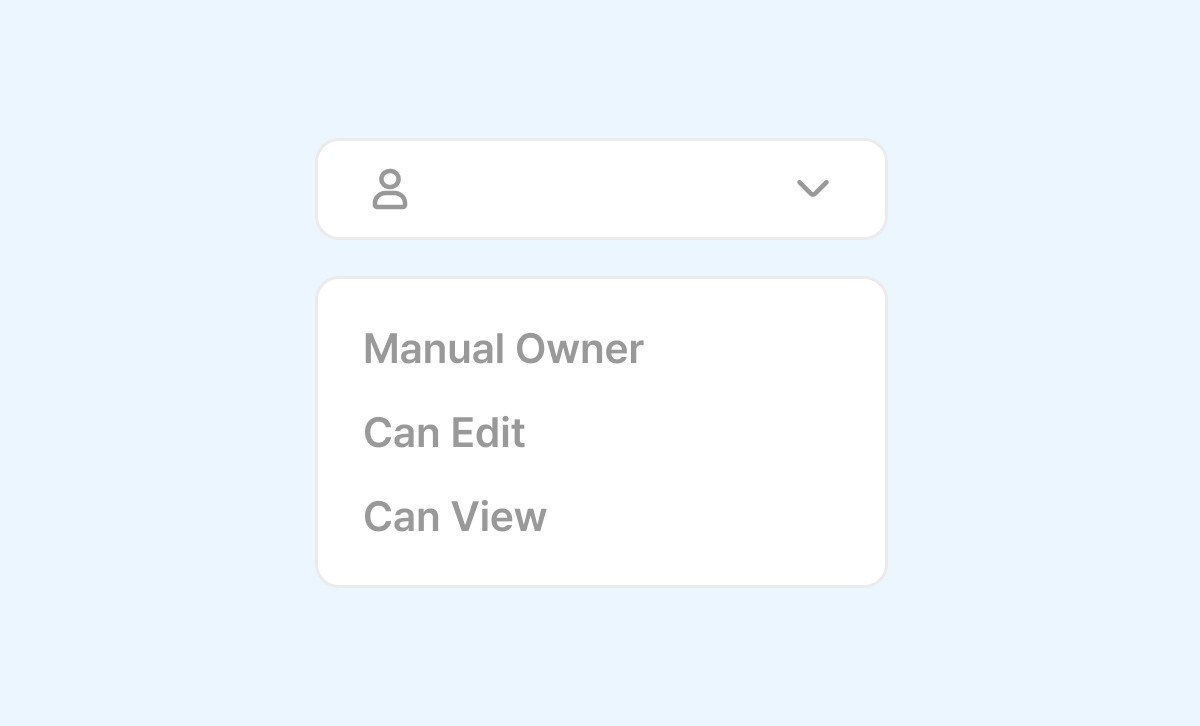
Set Member Permissions
Assign member roles such as Creator or Viewer to control editing and access
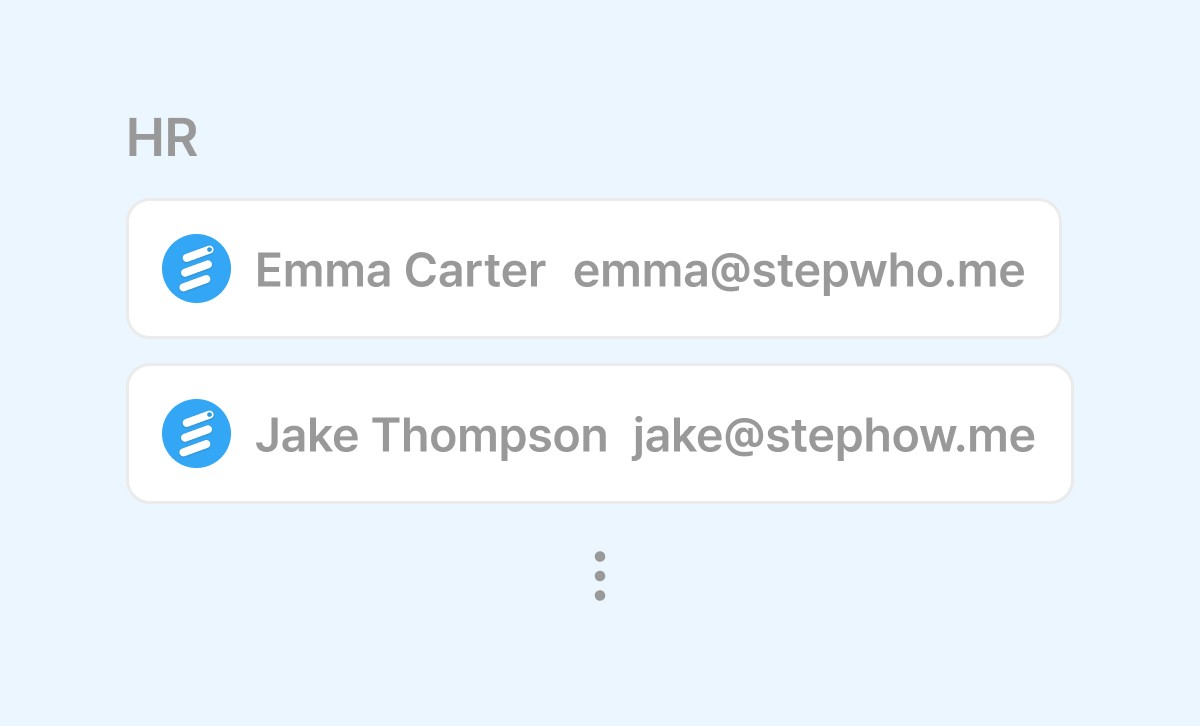
Sync with Organization Directory
Automatically reflect employee role changes by syncing with your org’s directory
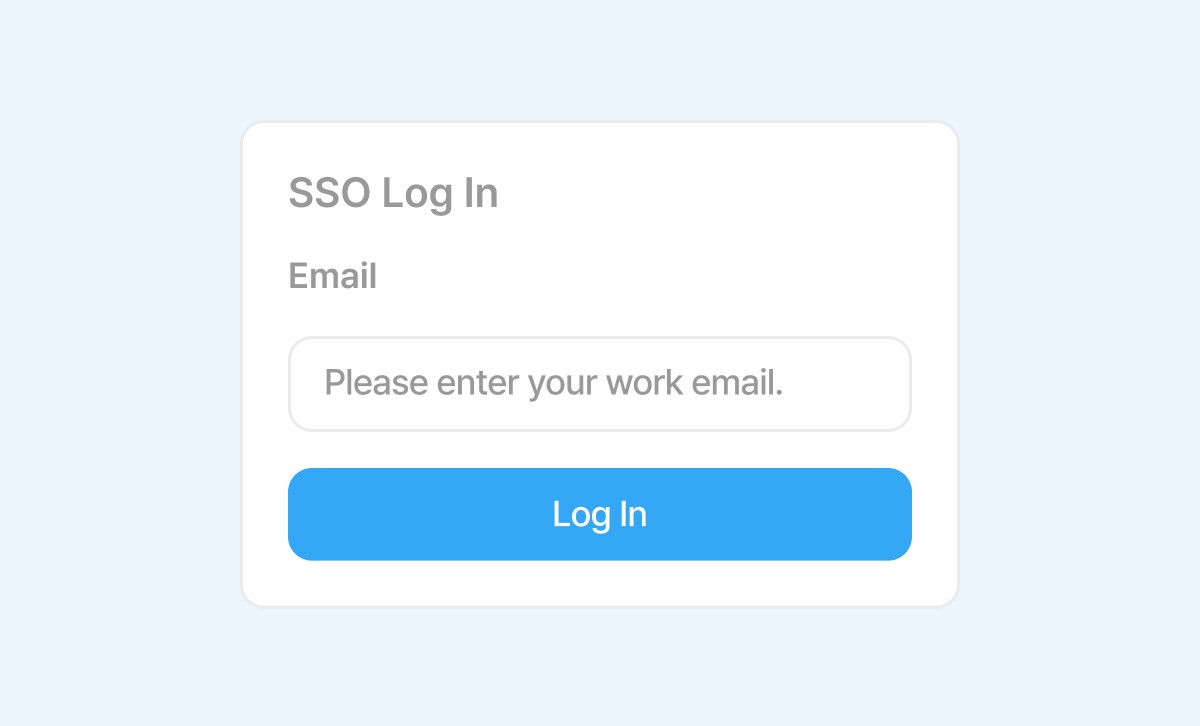
SSO / SCIM Integration
Enable secure user access and management via SSO and SCIM integration
FAQ
Frequently Asked Questions
Can I create manuals for any type of system with StepHow?
Can StepHow generate manuals outside the browser, in desktop environments?
Can I share internal IT solution guides with external clients?
Can I create manuals faster than using traditional capture tools or PowerPoint?
Can I create text-based documents like policy or process documents, not just screen capture-based manuals?